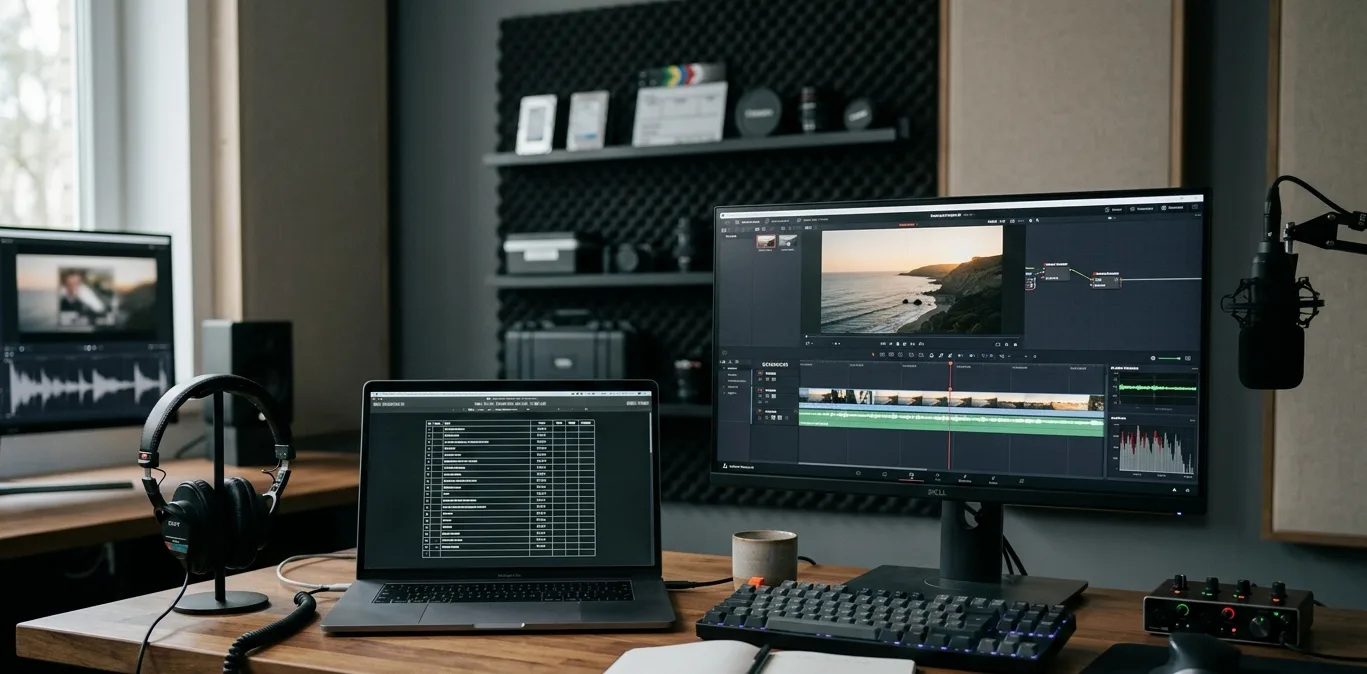
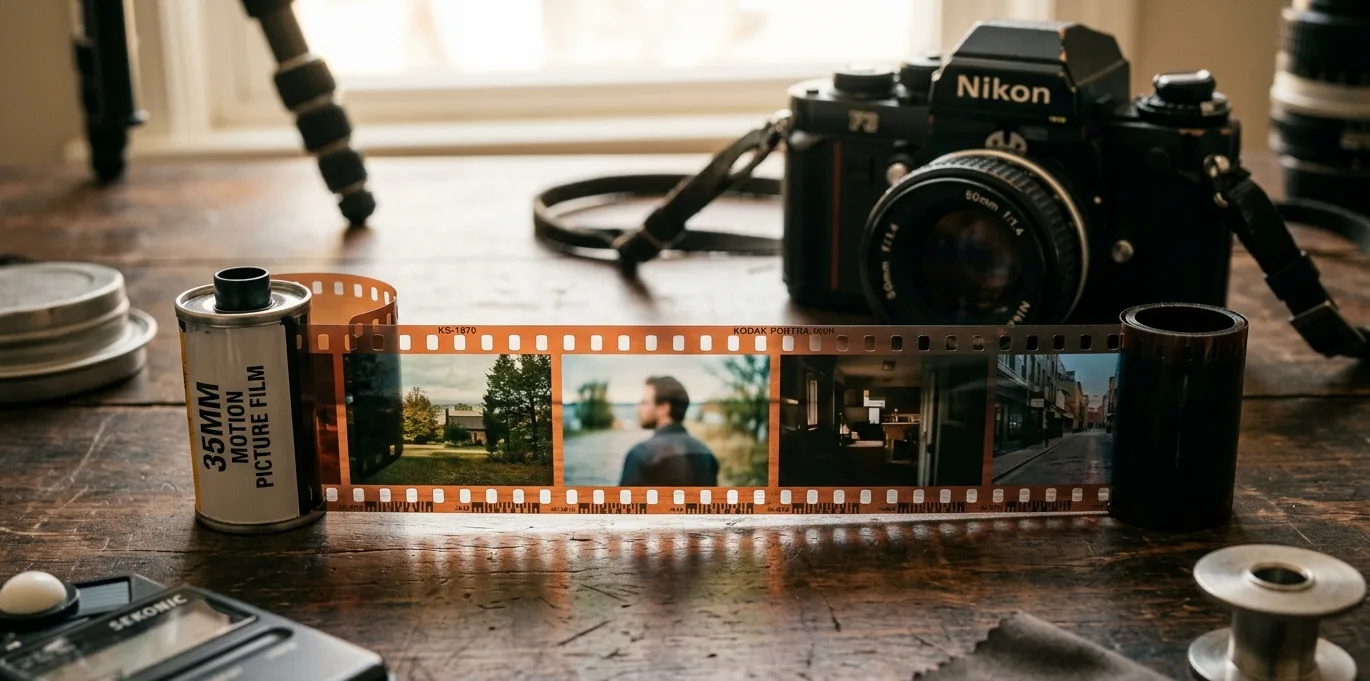
When a photograph is edited to adjust the colour balance, it is called(A) Colour separation(B) Colour gradation(C) Colour constancy(D) Colour correctionCorrect Ans: (D) In photography, colour correction refers to the process of adjusting the colour balance of an image. This process ensures that the colours in a photograph appear natural, accurate, and consistent with how they looked in real life. Editors commonly apply colour correction during post-production to fix colour shifts caused by lighting, camera settings, or environmental factors. Usually, the first step in colour correction involves evaluating the white balance. If the image appears too warm (yellow/orange) or too cool (blue), the editor adjusts the temperature and tint to bring it closer to a neutral tone. As a result, the whites look truly white, and the other colours appear balanced. Additionally, editors fine-tune exposure, contrast, saturation, and highlights. These changes help improve the overall feel of the photograph. For instance, underexposed images might look dull or shadowy. But once corrected, they become brighter and more vivid. Similarly, if the skin tones look off, precise correction restores a natural appearance. Furthermore, colour correction is not the same as colour grading. While correction aims to fix colour issues, grading is more about adding a specific style or mood. However, both steps often go hand-in-hand in professional workflows. To sum up, colour correction plays a vital role in visual storytelling. It brings life to an image, corrects technical flaws, and ensures visual consistency. Without it, even a well-composed photograph might fail to convey the intended message clearly.