Teach with JMC

Teach the next generation of media professionals.

Turn your expertise in journalism, mass communication, or a related media field into a course. Build your educator profile and share what you know with learners who want to enter or grow in the field.

Media educator planning a lesson beside a smartphone on a tripod.

Start with something you already teach or do

Take a topic from your classroom, newsroom, or professional practice and turn it into a course. Start with one thing you want learners to understand or be able to do.
Examples could include

Media Research
Public Relations
Exam Preparation
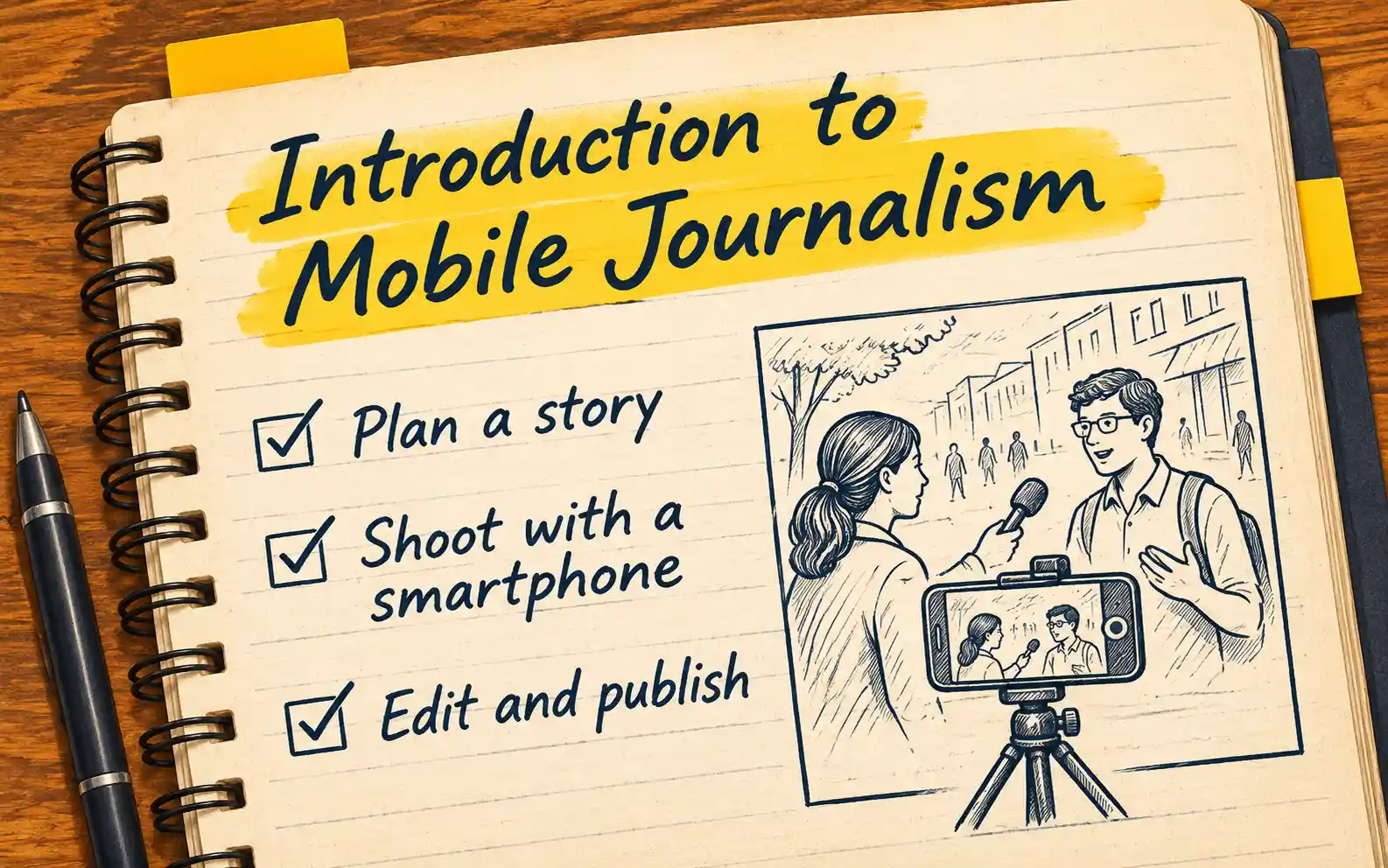
Reporting notebook showing a storyboard for a short mobile news story.

See how a course comes together

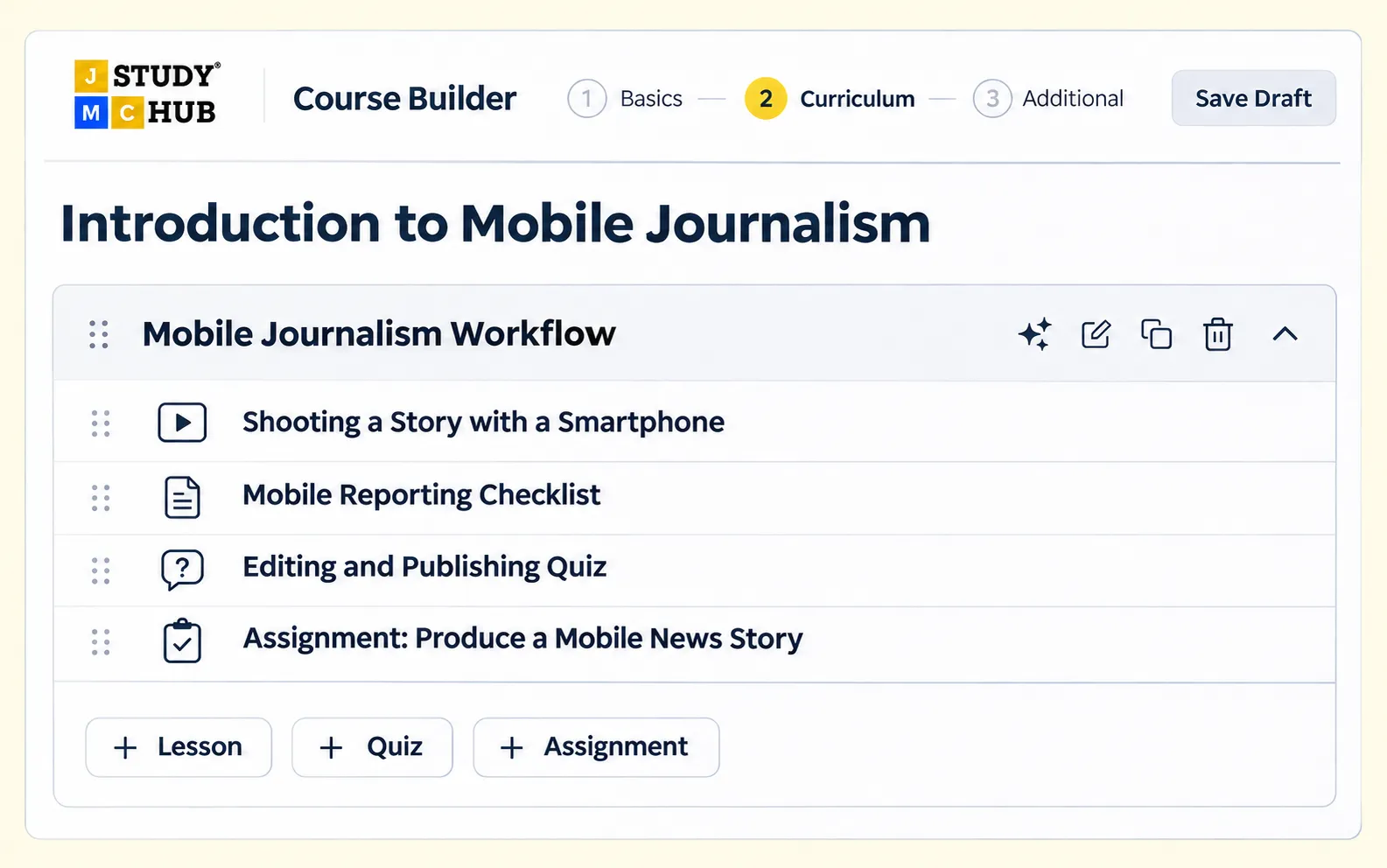
Use the JMC course builder to organise your teaching into a sequence learners can follow, practise, and apply.
What your course can include

  • Video Lesson
  • Resource
  • Quiz
  • Reporting Assignment
JMC course builder showing the Introduction to Mobile Journalism curriculum.
Sample course in the JMC course builder

Course earnings & payments

Know how you’ll earn before you launch

Agree on commercial terms with JMC before launch. Once your course is live, you can track course earnings and view transaction statements from your instructor dashboard.
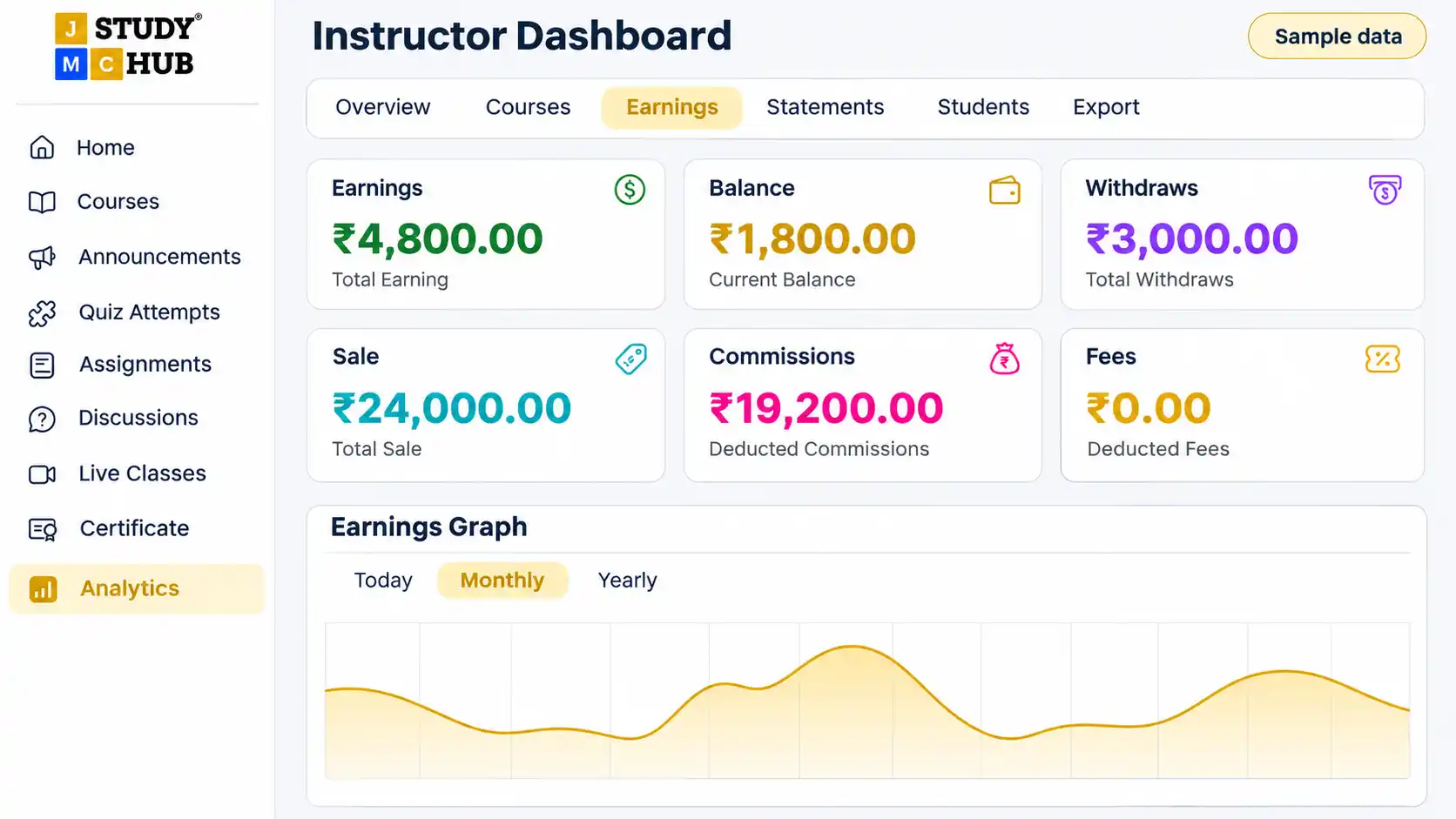
Instructor dashboard showing course earnings in rupees and access to transaction statements.
Illustrative preview

Course analytics

See what happens after your course goes live

Use your instructor dashboard to track course enrolments, see how many students have joined, and read their reviews.

Use feedback to improve your course

If several students ask for more examples, add a worked example to the relevant lesson or include one in your next course.
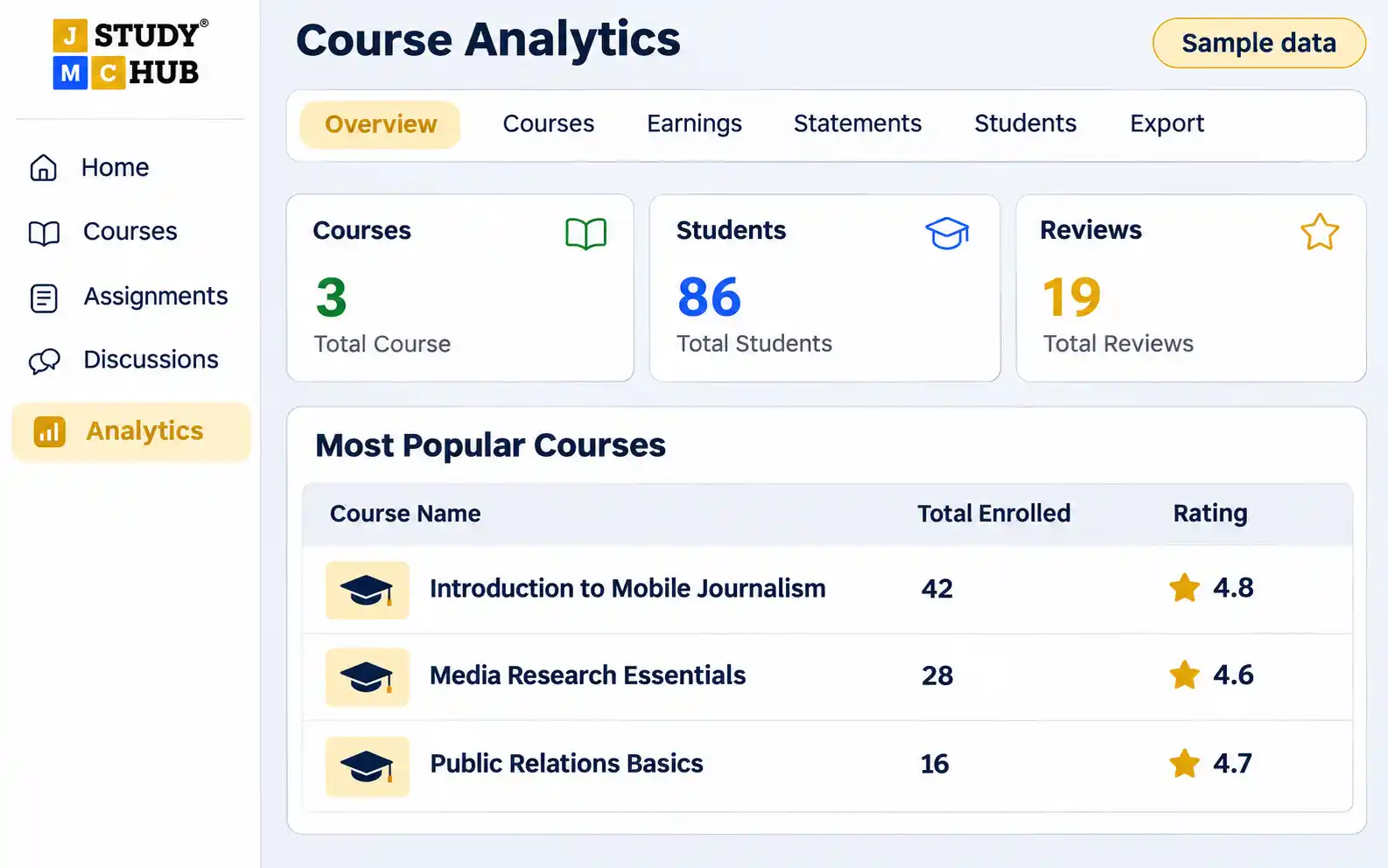
Instructor analytics dashboard showing student counts and course reviews.
Illustrative preview

How to become a JMC instructor

  1. Share your course idea

    Use the form on this page to tell us about your expertise, relevant experience, and the course you’d like to teach.

  2. Look out for our email

    You’ll receive a confirmation email after submitting. The JMC team will review your application and follow up by email.

  3. Get started after approval

    If your application is approved, we’ll email you instructions for setting up instructor access and building your course.

Frequently asked questions

Do I need to have a course ready before I apply?

You can start with a course idea. Think about who you want to teach and what they should be able to do by the end.

What kinds of courses can I propose?

You can propose a course in journalism, media, communication, research, exam preparation, or AI and creative tools. Choose a topic you can teach through clear lessons and practical examples.

Where can I check my application status?

Sign in to your JMC Study Hub account and open your dashboard.

Apply to teach with JMC

Create an account to submit your instructor application. Already have a JMC Study Hub account?

Open your dashboard to apply or check your status.