Teach with JMC
Turn your expertise in journalism, mass communication, or a related media field into a course. Build your educator profile and share what you know with learners who want to enter or grow in the field.

Take a topic from your classroom, newsroom, or professional practice and turn it into a course. Start with one thing you want learners to understand or be able to do.
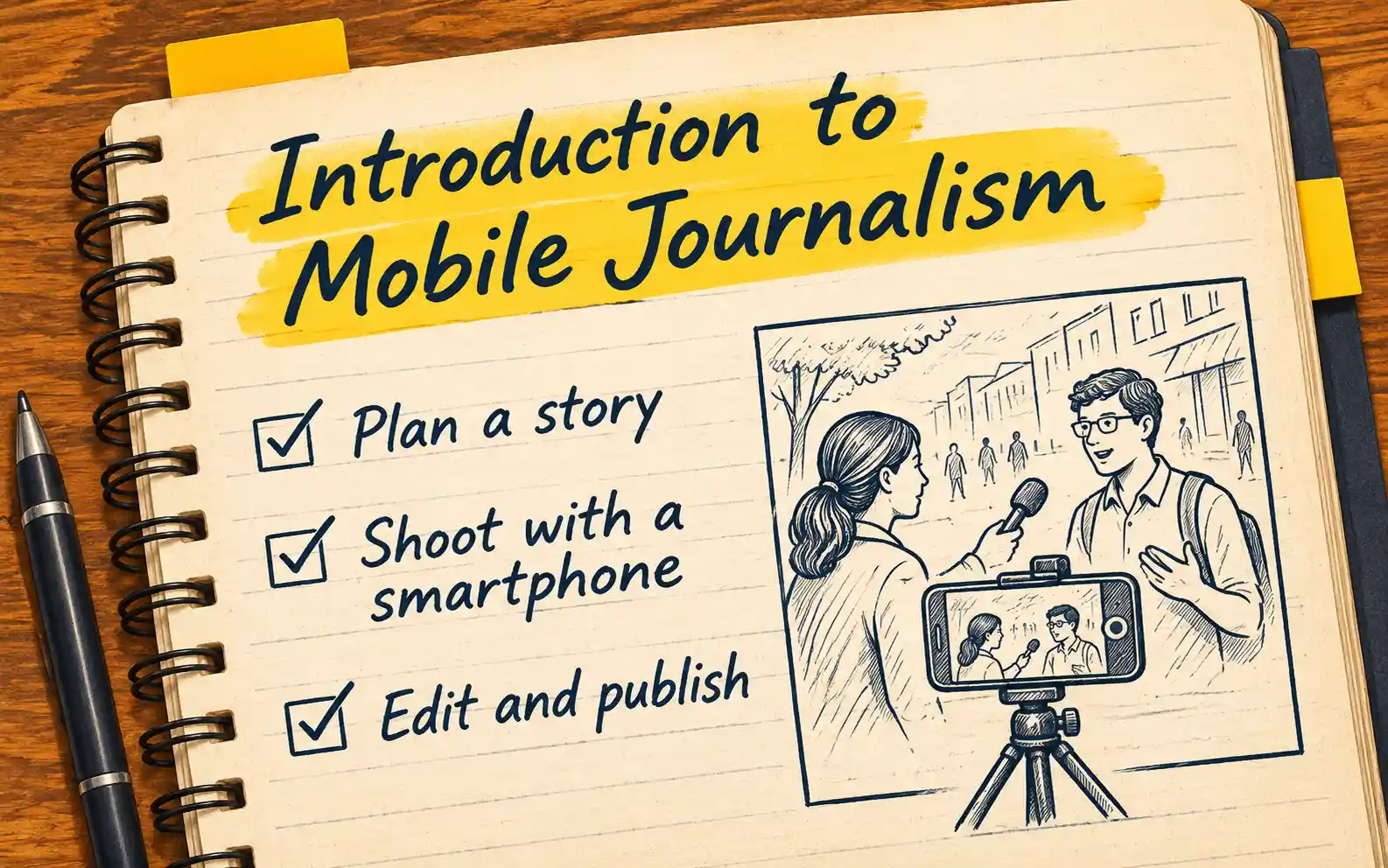
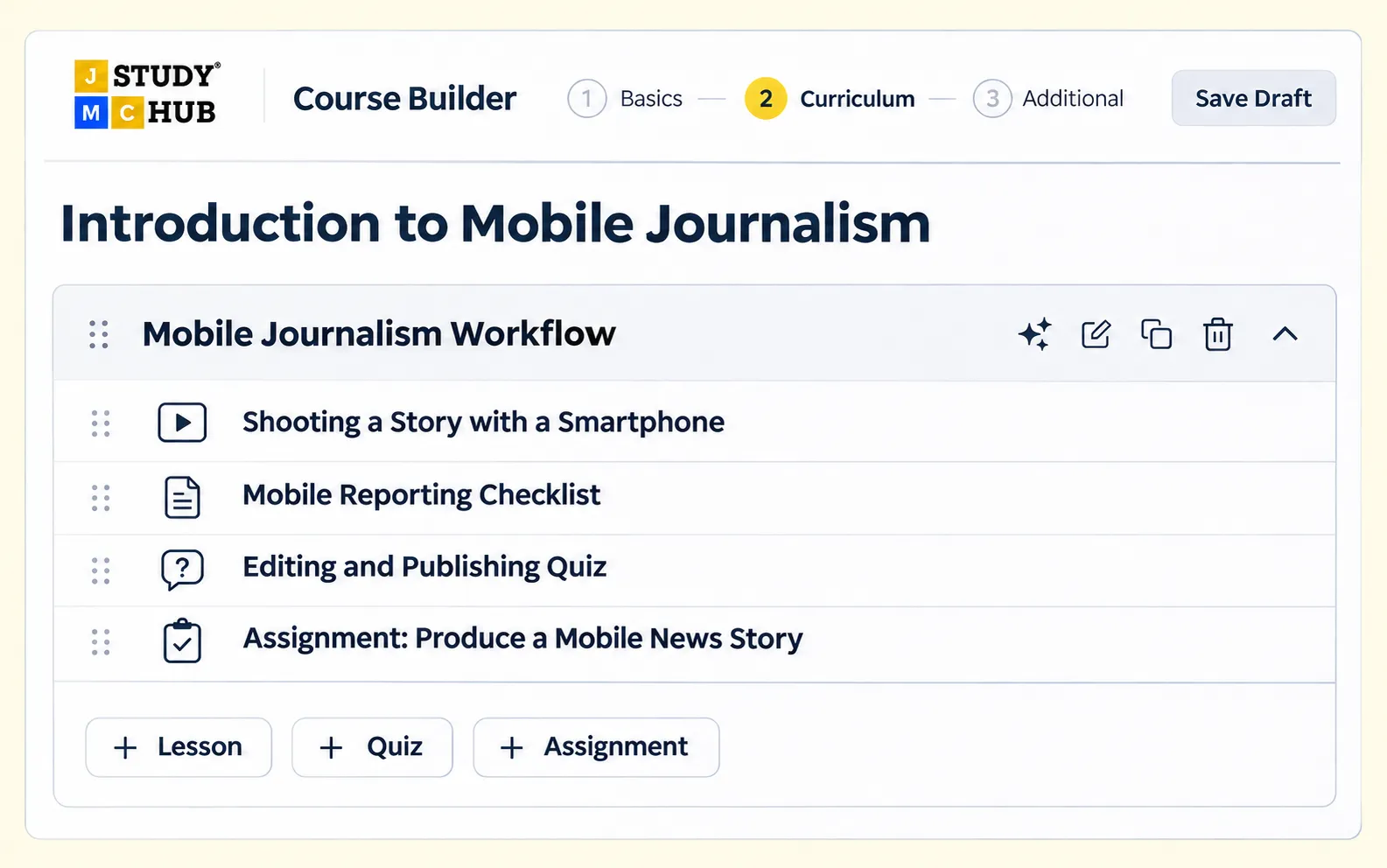
Use the JMC course builder to organise your teaching into a sequence learners can follow, practise, and apply.
Course earnings & payments
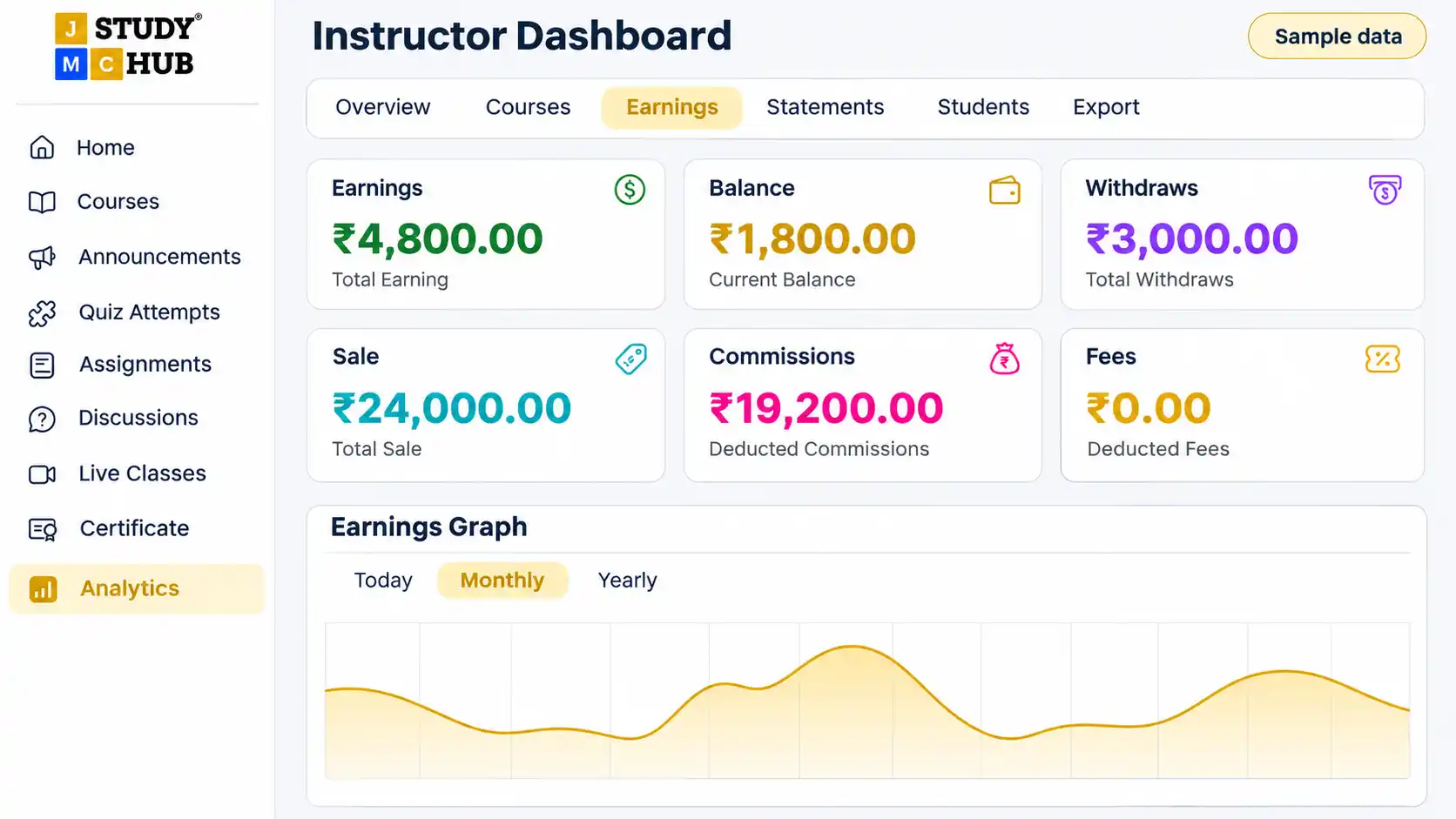
Agree on commercial terms with JMC before launch. Once your course is live, you can track course earnings and view transaction statements from your instructor dashboard.
Course analytics
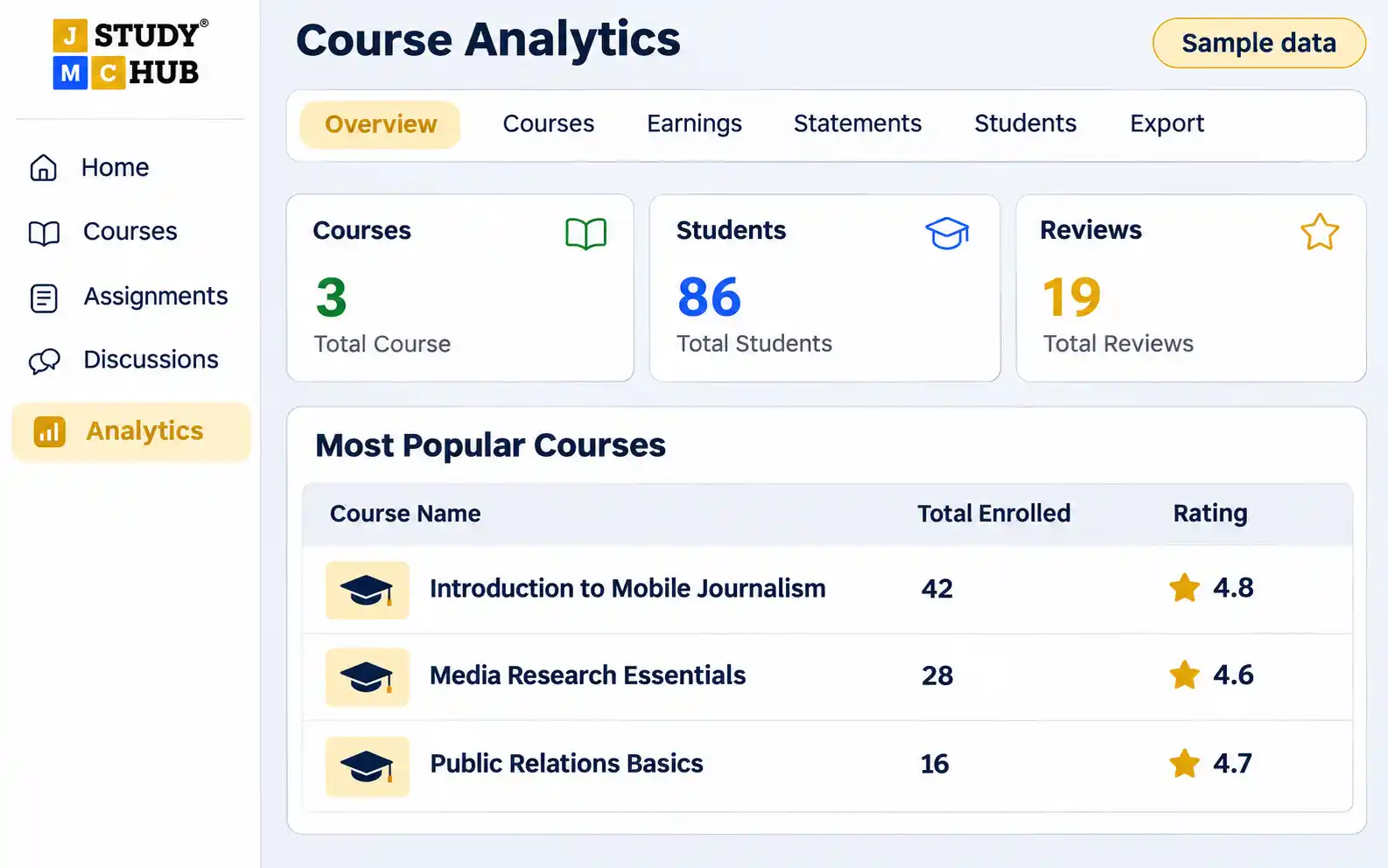
Use your instructor dashboard to track course enrolments, see how many students have joined, and read their reviews.
If several students ask for more examples, add a worked example to the relevant lesson or include one in your next course.