
About Course
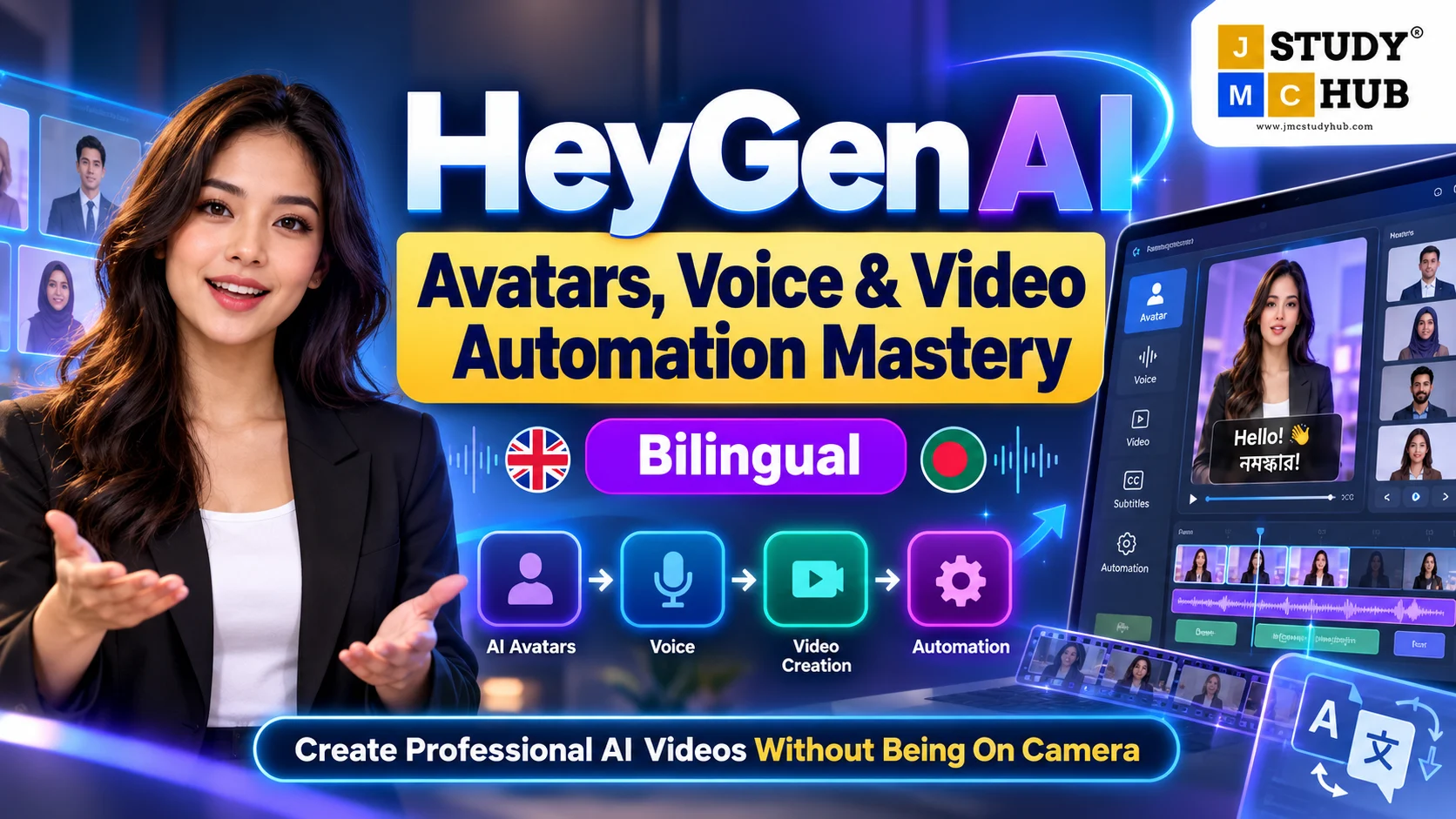
Create Professional AI Videos—Without Being on Camera
Want to create polished videos without spending hours on recording, reshoots, complex editing, or camera setup?
This bilingual HeyGen course is designed for content creators who want to understand HeyGen from the basics and use it confidently for professional AI video creation. The course includes 36 tutorials across 6 structured modules, moving from platform fundamentals to avatars, voices, automation, branding, localization, and professional content workflows. Syllabus_Course Outline_Getting… Syllabus_Course Outline_Getting…
From First Video to Smarter AI Workflows
Start with the HeyGen dashboard, AI Studio, templates, scripts, avatars, and basic video creation. Then gradually explore custom avatars, photo avatars, voice cloning, pronunciation control, AI podcasts, prompt-to-video workflows, PPT/PDF-to-video, screen recording, batch creation, branding, captions, and multilingual content. Syllabus_Course Outline_Getting…
The course combines conceptual understanding with step-by-step practical demonstrations, making it suitable for learners who are new to HeyGen but want to move beyond basic experimentation.
HeyGen itself is built around AI avatars, script-led video creation, voice tools, translation, branding, and scalable content workflows—making it especially useful for creators who want to produce professional-looking content without traditional studio production. HeyGen
Create More Without Recording More
Learn how to use AI presenters, voices, scripts, templates, and smart workflows to create different types of content, including:
- educational and explainer videos,
- social media content,
- marketing and promotional videos,
- tutorials and training content,
- multilingual videos for wider audiences.
You will also explore productivity workflows using tools such as ChatGPT, Canva, PowerPoint and PDF-based content, along with automation techniques that can make repeated video production faster and more scalable. Syllabus_Course Outline_Getting…
Learn, Practise and Build
On the JMC Study Hub platform, you can follow lessons in sequence, save notes, monitor progress, review quiz performance, access exercise files, and post doubts or queries from your learning dashboard.
With 180-day access and approximately 10–20 hours of learning, you can learn at your own pace and revisit important workflows whenever needed.
By the end of the course, you should have a clearer understanding of how HeyGen can support camera-free professional content creation, faster production, and scalable AI video workflows.
Create smarter. Produce faster. Build professional videos with AI.
Course Content
About the Course
MODULE 1 — Getting Started with HeyGen AI
MODULE 2 — AI Avatar Creation & Personal Branding
MODULE 3 — AI Voice, Podcast & Audio Mastery
MODULE 4 — Advanced AI Video Production Workflows
MODULE 5 — Professional Editing, Branding & Content Design
MODULE 6 — Automation, Localization & Career Opportunities
Student Ratings & Reviews